
In the realm of data storage, securing sensitive information against unauthorized access demands reliable encryption solutions. Encrypted SSDs and encrypted SSD enclosures represent two prominent approaches to hardware-level protection, each tailored to distinct user requirements. This comprehensive guide delves into their definitions, differences, and performance metrics to assist in informed decision-making.
What is an Encrypted SSD?
An encrypted SSD, often termed a self-encrypting drive (SED), incorporates hardware-based encryption directly within the drive's controller. This design automatically encrypts all data written to the storage using algorithms such as AES 256-bit or XTS-AES 256-bit. This process of hardware encryption, this process occurs internally, rendering the drive inaccessible without the correct authentication key, even if physically removed from a system.
Modern encrypted SSDs comply with standards like TCG OPAL or IEEE 1667, enabling features such as instant data erasure and multi-user access. Examples include models from Samsung (e.g., 990 PRO) and Western Digital (e.g., SN850), which support full-disk encryption without significant performance degradation. These drives are available as internal (e.g., NVMe M.2) or external portable units, emphasizing seamless integration for laptops, desktops, and servers.
What is an Encrypted SSD Enclosure?
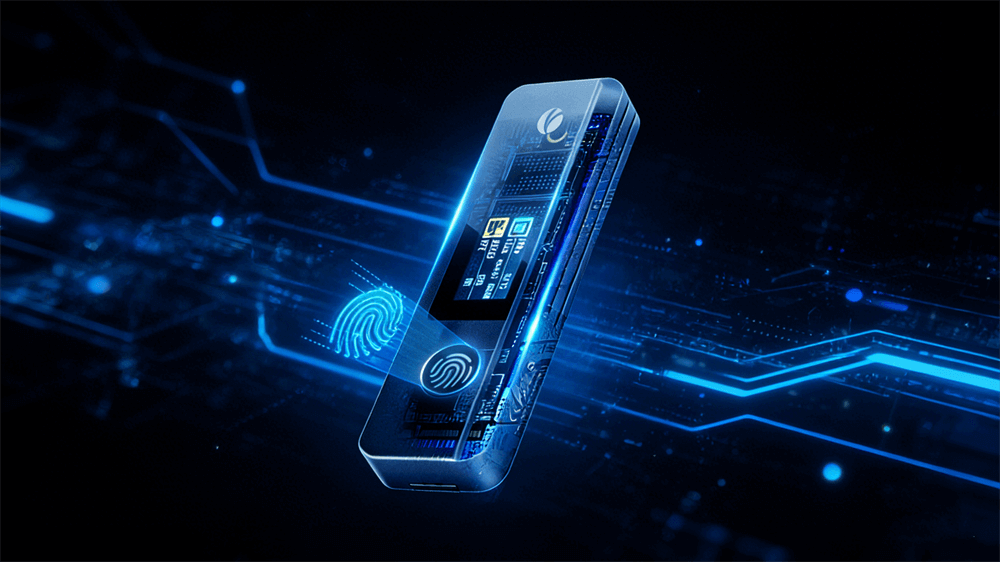
An encrypted SSD enclosure is a protective casing that houses a standard SSD and provides encryption. Unlike integrated drives, enclosures add security layers to non-encrypted SSDs, often via biometric features such as fingerprint scanners or PIN entry.
Enclosures come in two primary encryption types: soft and hardware.
Soft encryption locks access to the enclosure but leaves data unencrypted if the SSD is extracted. Hardware encryption, utilizing OPAL2/Pyrite2 standards, encrypts the SSD itself, ensuring data remains protected even outside the enclosure. Compatible SSDs must feature PSID codes for setup, with examples including VCOM's biometric models supporting NVMe and SATA drives.
Key Differences Between Encrypted SSDs and Encrypted SSD Enclosures
Encrypted SSDs and enclosures diverge in design philosophy, security implementation, and usability.
Aspect | Encrypted SSD | Encrypted SSD Enclosure |
Integration | Encryption is built into the drive controller | Encryption is applied via the enclosure |
Flexibility | Fixed; cannot easily swap or upgrade the drive | Allows SSD swaps for capacity upgrades |
Security Type | Always hardware-based (AES 256-bit) | Soft (access lock) or hardware (full encryption) |
Compatibility | Broad OS support; requires compatible hardware | Any SSD, but hardware mode needs OPAL2 SSDs |
Performance Overhead | Minimal (98-95% of unencrypted speeds) | Negligible in hardware mode; up to 1,050 MB/s for NVMe |
Cost | Higher upfront (premium for integrated security) | Lower; reuse existing SSDs |
Portability | Often, external models are available | Inherently portable with USB-C/Thunderbolt |
These differences stem from hardware encryption's efficiency in SSDs versus the modular approach of enclosures.
Use Cases and Recommendations
For personal users handling sensitive files, encrypted SSDs like the Crucial X9 Pro provide seamless, portable security. Professionals in regulated fields (e.g., healthcare) benefit from enclosures' upgradability, such as VCOM models for biometric access. Tech enthusiasts opt for enclosures to experiment with SSD swaps.
Tips: Always verify compatibility and back up data before setup.
Model/Type | Encryption Type | Max Speed (MB/s) | Security Features | Price Range |
VCOM Fingerprint Enclosure | Soft/Hardware | 1,050 (NVMe) | Biometric, OPAL2 | $50-100 |
Crucial X9 Pro (Encrypted SSD) | Hardware AES | 1,050 Read/Write | IP55 Rugged, Password Vault | $100-200 |
Related Content:
Is a Thunderbolt 5 SSD Worth Buying
How to Encrypt an SSD: Step-by-Step Guide for Maximum Security
Tag:SSD,SSD Enclosure


