
The DisplayPort interface has become the preferred connection for high-performance monitors, graphics cards, and professional displays, yet one question consistently arises among system builders, IT professionals, and AV integrators: exactly how long can a DisplayPort cable be before signal integrity suffers? Unlike rigid length caps in older standards, the DisplayPort specification from VESA sets minimum performance requirements rather than absolute maximums. Cables up to 2 meters must fully support the version’s highest mandated bandwidth—HBR2 (21.6 Gbps) for DP 1.2, for example, while longer runs carry no such guarantee and depend on cable construction, bandwidth needs, and whether the cable is passive, active, or optical.
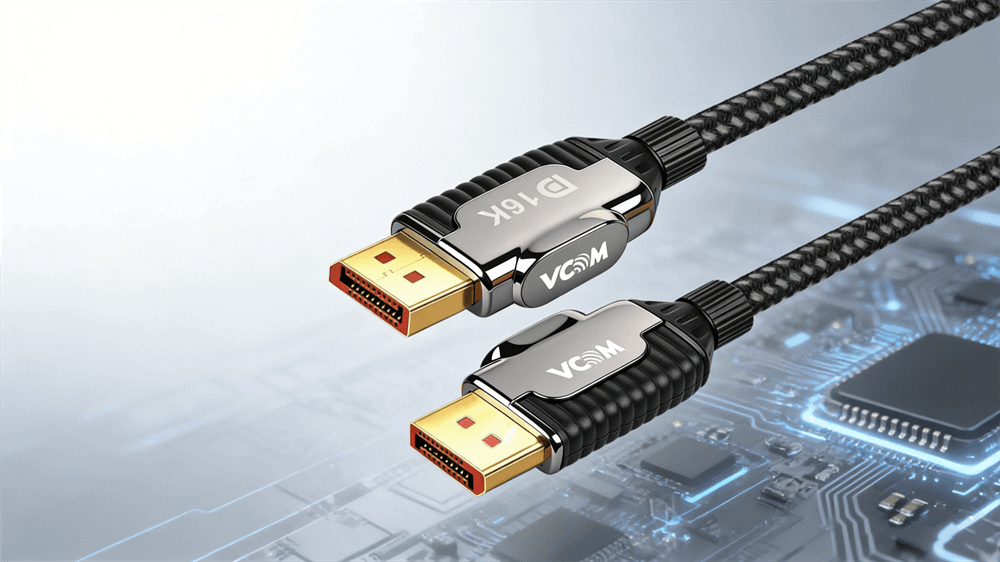
What Factors Determine How Long a DisplayPort Cable Can Be?
Several interrelated elements influence the maximum reliable length:
Bandwidth mode and resolution/refresh rate: Lower modes, such as RBR (6.48 Gbps), tolerate longer runs than UHBR20 (80 Gbps).
Cable quality and shielding: Thicker conductors, multiple shielding layers, and low-loss materials reduce attenuation.
Interference and installation: Proximity to power lines, sharp bends, or poor connector seating degrades signals.
Source and sink capabilities: Stronger GPU output and tolerant monitor receivers extend usable distance.
Compression features: Display Stream Compression (DSC) in DP 1.4 and later enables higher-resolution data over the same bandwidth.
Environmental factors and device link training also contribute. Premium construction consistently outperforms generic cables at the same length.
How Do DisplayPort Versions Affect Cable Length Performance?
Each DisplayPort generation raises bandwidth while refining length expectations through certification tiers:
DP 1.2 and earlier require full HBR2 (21.6 Gbps) support on cables up to 2 meters.
DP 1.3/1.4 introduces HBR3 (32.4 Gbps) and DSC, enabling 4K 60 Hz or higher over similar lengths with certified cables.
DP 2.0/2.1 adds UHBR modes up to 80 Gbps, with certifications like DP40, DP54, and DP80. DP 2.1a doubled passive length support for some UHBR modes to 2 meters.
DP 2.1b specification introduces DP80LL active cables for UHBR20 at up to 3 meters—three times longer than prior passive DP80 limits.
What Is the Difference Between Passive, Active, and Fiber Optic DisplayPort Cables?
Cable architecture overrides raw length in determining usability:
Passive copper cables contain no active electronics and rely on high-quality conductors. They excel in short runs (typically 1–3 meters for demanding signals) and offer the lowest cost and latency.
Active copper cables incorporate a chipset, usually at the source end, that re-clocks and amplifies the signal. They support 5–15 meters while maintaining full bandwidth and remaining directional in many cases.
Fiber optic (or active optical) cables convert the signal to light, eliminating electromagnetic interference. They handle 10–100+ meters with perfect fidelity and suit professional installations like control rooms or large venues.
Passive options suffice for most desktop setups, while active and fiber solutions address longer or high-bandwidth needs without compromise.
What Are Realistic DisplayPort Cable Length Limits for Popular Resolutions?
The table below compiles conservative, real-world recommendations drawn from VESA guidelines, manufacturer testing, and field deployments.
Resolution and Refresh Rate | Passive Copper (meters) | Active Copper (meters) | Fiber Optic (meters) | Key Notes |
1080p or 1440p @ 60–144 Hz | 3–7 | 10–15 | 30+ | Most forgiving; longer passive runs possible with quality cables |
4K @ 60 Hz (DP 1.4/2.1 with DSC) | 2–3 | 7–15 | 30+ | DSC extends passive performance noticeably |
4K @ 120–144 Hz | 1–2 | 5–10 | 20+ | Active recommended beyond 2 m for stability |
4K @ 240 Hz or 8K @ 60 Hz | 1–1.5 | 3–5 (DP80LL up to 3 m) | 10–30 | UHBR20 demands premium active or fiber |
Multi-Stream Transport (MST) daisy-chain | 1–2 per segment | 5–10 per segment | Not typical | Bandwidth accumulates across links |
How Can You Achieve Longer DisplayPort Runs Without Signal Loss?
When distance exceeds copper limits, proven extension methods maintain pixel-perfect quality:
Active optical cables (AOC) combine familiar connectors with internal fiber for plug-and-play runs up to 100 meters.
Dedicated extenders using CAT6, HDBaseT, or DP-over-fiber transmitters/receivers support hundreds of meters in commercial environments.
Signal boosters or repeaters for moderate extensions while preserving native DisplayPort.
Wireless alternatives for select low-latency scenarios, though wired remains preferred for zero-compression high-refresh gaming.
Professional setups in trading floors, command centers, or digital signage routinely employ these hybrid systems for flawless 4K or 8K delivery over long distances.
Frequently Asked Questions About DisplayPort Cable Lengths
Can a DisplayPort cable be longer than 3 meters without issues?
Yes, with active or fiber construction. Passive cables beyond 3 meters risk degradation at high bandwidths, but active solutions routinely reach 15 meters, and fiber extends much farther.
Does cable length affect 4K 144 Hz performance?
It can. Passive runs longer than 1–2 meters often require high-quality shielding or DSC; active cables provide reliable results up to 10 meters.
Are all long DisplayPort cables active?
No. Some premium passive cables support moderate extensions at lower resolutions, but active or optical designs dominate for demanding long runs.
Will a longer cable reduce refresh rate or add latency?
Properly specified cables introduce negligible latency. Signal loss from excessive length may force lower refresh rates or resolutions during link training.
Is DisplayPort better than HDMI for long cable runs?
DisplayPort with active or fiber options often outperforms HDMI in professional long-distance scenarios due to superior bandwidth scaling and native multi-stream support.
Are VESA-certified cables worth the extra cost?
Absolutely. Certification guarantees bandwidth delivery at rated lengths, eliminating guesswork and compatibility problems.
Tag:DisplayPort Cable,DP cable


