
144Hz has become a standard for reducing motion blur and enhancing responsiveness. Questions about HDMI's ability to handle 144Hz frequently arise among users upgrading monitors or building setups. HDMI, as a versatile audio-video interface, does support 144Hz, but this capability hinges on specific versions, resolutions, and hardware configurations.
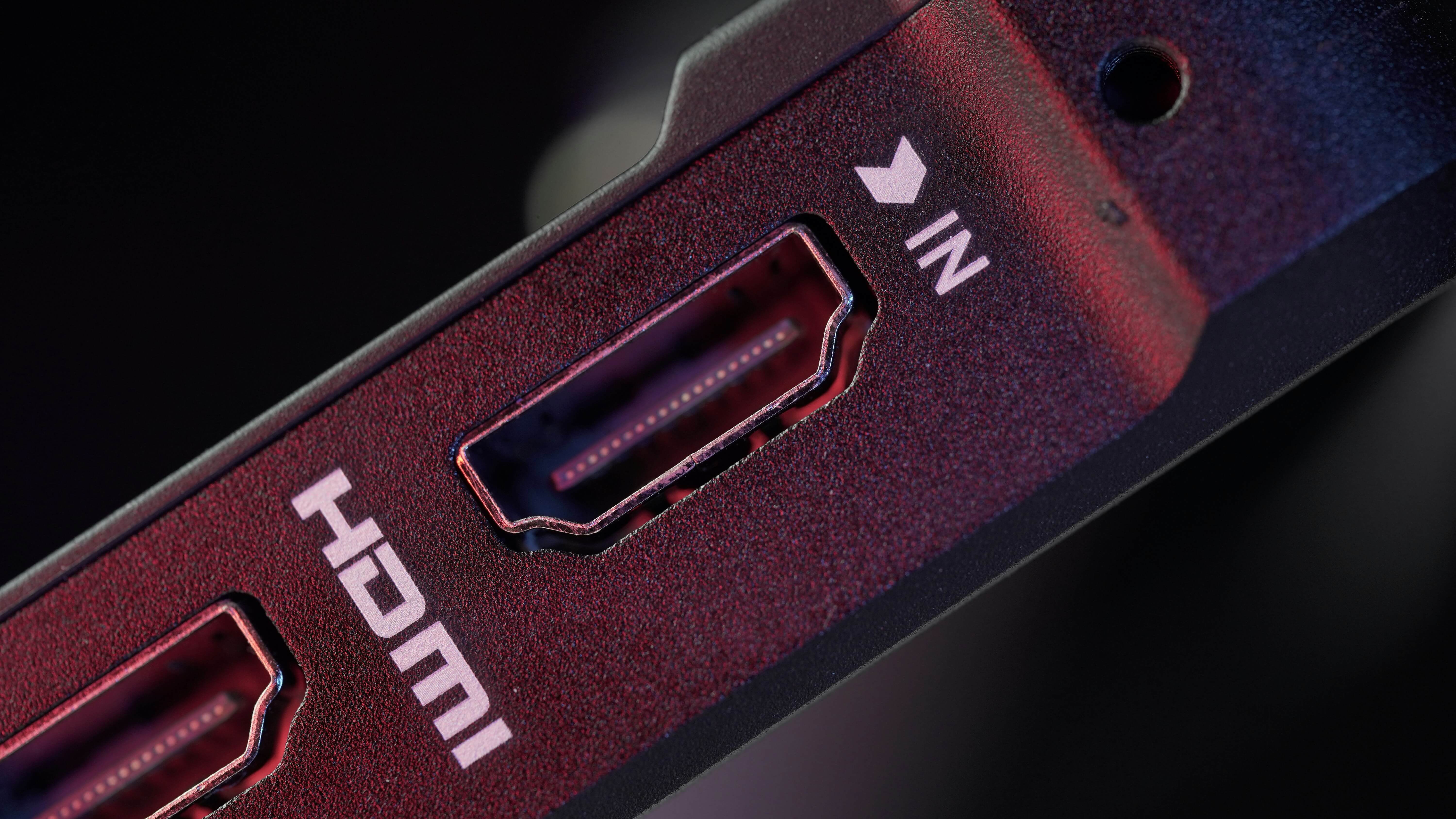
HDMI Versions Overview
HDMI standards have evolved significantly since their inception, with each iteration increasing bandwidth to accommodate higher resolutions and refresh rates. Bandwidth determines the data throughput, measured in Gbps, which directly impacts support for features like 144Hz.
HDMI 1.3 introduced basic high-refresh capabilities, offering up to 10.2 Gbps.
HDMI 1.4 expanded this to include 3D support and Ethernet, maintaining similar bandwidth.
HDMI 2.0 doubled the capacity to 18 Gbps, enabling 4K at 60Hz and higher refresh at lower resolutions.
HDMI 2.1 represents the pinnacle, with 48 Gbps bandwidth, supporting advanced features like 8K and variable refresh rates (VRR).
These advancements ensure HDMI remains relevant for modern displays, though compatibility varies.
144Hz Support by HDMI Version
HDMI's support for 144Hz depends on the version and the target resolution. Lower resolutions require less bandwidth, allowing older versions to suffice, while 4K demands the latest standards.
HDMI 1.3 and 1.4: These versions can achieve 144Hz at 1080p (Full HD), provided the monitor and source device are compatible. Bandwidth limitations restrict this to 1080p; attempts at 1440p or higher typically cap at 60Hz or 120Hz. Not all monitors with HDMI 1.4 ports enable 144Hz, as some are artificially limited by design.
HDMI 2.0: This standard reliably supports 144Hz at both 1080p and 1440p (QHD), thanks to its 18 Gbps bandwidth. For 4K, however, it falls short, maxing out at 60Hz without compression. Gamers seeking fluid 1440p gameplay find HDMI 2.0 a solid choice.
HDMI 2.1: Offering superior performance, HDMI 2.1 handles 144Hz at 4K and even higher refresh rates like 240Hz with Display Stream Compression (DSC). This makes it ideal for next-generation consoles and high-end PCs, supporting features such as HDR and VRR for tear-free visuals.
Essential Requirements for Achieving 144Hz over HDMI
Beyond the HDMI version, several factors must align for seamless 144Hz operation.
Resolution Impact: At 1080p, most HDMI 1.3+ setups work, but 1440p requires HDMI 2.0, and 4K demands HDMI 2.1. Higher resolutions increase data demands, potentially reducing refresh rates if bandwidth is insufficient.
Cable Quality: Not all HDMI cables are equal. High-speed or premium HDMI cables certified for the required version ensure full bandwidth. Standard cables may limit performance, especially over longer distances.
Monitor and Device Compatibility: The monitor must explicitly support 144Hz via HDMI, as some restrict this to DisplayPort. Graphics cards or consoles need matching HDMI ports; for instance, older GPUs may not output 144Hz even if the cable supports it.
To verify, users should check device specifications and test settings in display menus.
Common Challenges
Challenges often stem from mismatched hardware. Monitors may default to 60Hz over HDMI, requiring manual adjustment in OS settings or monitor OSD. Cable length can introduce signal degradation, and adapters (e.g., HDMI to DisplayPort) rarely support 144Hz reliably.
Troubleshooting steps include:
Updating graphics drivers.
Selecting the correct refresh rate in the system display properties.
Using certified cables and avoiding extensions.
Alternatives to HDMI for High Refresh Rates
While HDMI is ubiquitous, DisplayPort often provides superior support for 144Hz and beyond, especially at higher resolutions. DisplayPort 1.2 handles 1440p at 144Hz, and version 1.4 supports 4K at 144Hz with DSC. Dual-Link DVI serves as a legacy option for 1080p 144Hz but lacks modern features. For setups prioritizing flexibility, DisplayPort emerges as the preferred choice in professional gaming environments.
Tag:HDMI


Related Products
 | |
| HDMI 2.2 Active Optical Cable | |
 |  |
