
For many users, the answer seems obvious at first glance: SSDs are faster, quieter, lighter, and more durable than traditional hard disk drives. Modern laptops boot in seconds because of SSDs. Portable SSDs transfer large video files far faster than older external hard drives. Gaming PCs, creator workstations, and business laptops now treat SSD storage as the default choice.
However, declaring HDDs obsolete would be technically inaccurate. HDDs are no longer the best storage choice for every task, but they remain extremely valuable where capacity, cost efficiency, and long-term data retention matter more than raw speed. The future of HDDs is not disappearance; it is specialization.
What Is an HDD?
A hard disk drive, or HDD, stores data on spinning magnetic platters. A mechanical read/write head moves across the platter surface to access data. This design has served the computer
industry for decades and remains one of the most cost-effective ways to store large amounts of information.
The weakness of HDD technology is also clear. Because it relies on moving mechanical parts, an HDD is more sensitive to shock, vibration, and wear than an SSD. Its access latency is higher, and its random read/write performance cannot match flash-based storage. For operating systems, applications, games, and active project files, this delay is noticeable.
By contrast, an SSD stores data electronically in NAND flash memory rather than on spinning disks.
Why SSDs Are Replacing HDDs in Consumer Devices
In consumer electronics, SSDs have already won many important battles. Most modern laptops, ultrabooks, mini PCs, and gaming systems now use SSDs as their primary drive. The reason is simple: speed affects daily experience.
An SSD can shorten system boot time, accelerate software loading, improve file transfer efficiency, and make multitasking smoother. External SSDs are also more portable because they are lighter, smaller, and more resistant to mechanical failure than traditional external hard drives.
This advantage is especially important for video editors, photographers, engineers, and gamers. Large files, high-resolution media, virtual machines, and modern games need fast access. In these cases, HDDs feel outdated not because they cannot store the data, but because they cannot serve the data quickly enough.
Why HDDs Are Still Not Obsolete
HDDs still dominate one important area: affordable mass storage. A 2TB or 4TB SSD is now accessible for many users, but when storage needs rise to 10TB, 20TB, or more, HDDs remain far more economical.
This is why HDDs continue to appear in NAS systems, surveillance recorders, media libraries, enterprise backup systems, and data centers. A home user storing family photos and movie collections may not need NVMe-level speed. A business archiving security footage may need continuous high-capacity recording, more than instant random access. A cloud provider storing rarely accessed data must calculate the cost per terabyte carefully.
The industry is still investing in HDD development. Seagate has introduced HAMR-based Exos M drives with volume shipments up to 32TB and samples up to 36TB for large-scale data center deployments. Western Digital has also announced 26TB CMR and 32TB UltraSMR enterprise HDDs designed to improve data center storage efficiency. These products would not exist if HDD technology were near extinction.
Where HDDs Will Disappear First
HDDs are already disappearing from thin laptops, premium desktops, and portable performance storage. They are also becoming less attractive as boot drives. No modern professional wants a slow system disk when affordable SATA and NVMe SSDs are available.
Gaming is another area where HDDs are fading. Modern games load large textures, maps, and assets. SSDs reduce waiting time and improve responsiveness. Creative work follows the same pattern. Video editing, CAD, AI-assisted workflows, and high-resolution image processing benefit from fast storage.
In short, HDDs will continue to lose ground wherever speed, mobility, and shock resistance are priorities.
Where HDDs Will Continue to Survive
HDDs will continue to survive in storage environments where capacity matters most. These include home NAS devices, small office servers, security camera systems, backup drives, cloud storage, and enterprise archives.
Data center demand remains especially important. Fewer HDDs may appear in consumer laptops, but more high-capacity drives are being used in enterprise storage.
AI-driven data growth has created severe nearline HDD shortages, while high-capacity QLC SSDs are gaining attention for certain workloads. The key point is that HDDs remain a backbone for large-scale cold data, even as SSDs expand in hot and warm data applications.
The Best Strategy: SSD + HDD Hybrid Storage
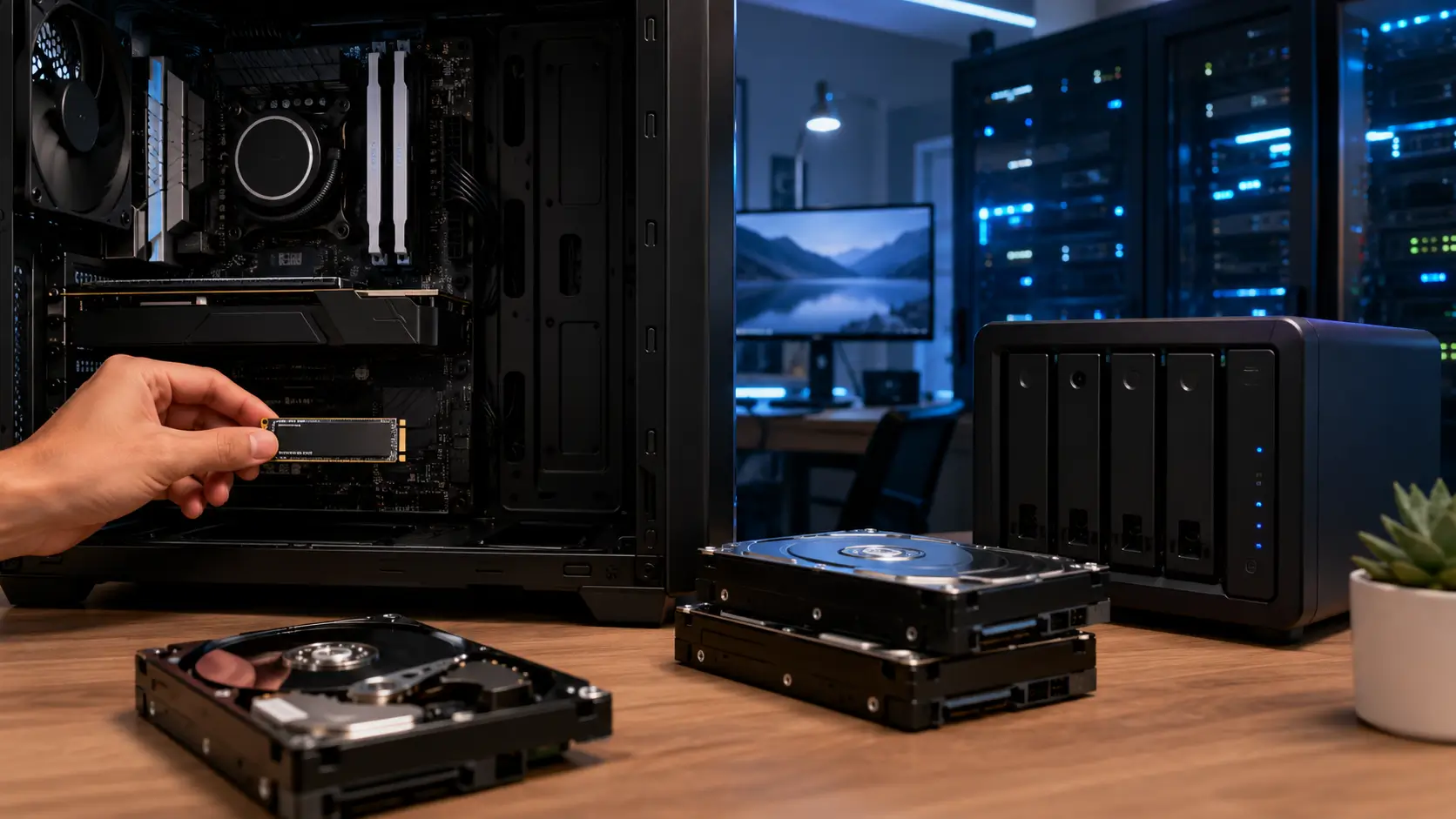
For many users, the smartest choice is not an SSD or an HDD, but an SSD plus an HDD. An SSD should be used for the operating system, applications, games, active projects, and frequently accessed files. An HDD should be used for backup, archive, media storage, and large files that do not require high-speed access.
This hybrid approach balances performance and cost. A desktop workstation can use a fast NVMe SSD for editing and a large HDD for finished project archives. A small-business NAS can use HDDs for capacity and SSDs for caching for responsiveness. A home user can keep daily files on an SSD and backup copies on a large external HDD.
Endnote
So, will HDDs become obsolete?
The correct conclusion is clear: SSDs are the future of speed, while HDDs remain the foundation of affordable capacity. For users choosing storage today, the best decision is not based on which technology is newer, but on what the data actually needs: fast access, low cost, large capacity, portability, or long-term backup.
Tag:HDD,SSD


