
A computer can run without a physical monitor, but a visual AI agent still needs a desktop it can observe and control. When a workstation operates headlessly, the absence of a recognized display may cause black screenshots, limited resolution options, incorrect scaling or an unstable remote desktop environment.
An HDMI dummy plug offers a simple hardware solution. By making the computer believe that a monitor remains connected, this compact adapter helps maintain a persistent virtual display for AI automation, remote access and other unattended workflows.
What Is an HDMI Dummy Plug?
An HDMI dummy plug—also known as an HDMI display emulator, virtual display adapter or headless display adapter—is a small device inserted into a computer’s HDMI output. It does not contain a screen. Instead, it supplies display identification data that resembles the information transmitted by a real monitor.
This information is called Extended Display Identification Data, or EDID. It tells the graphics card and operating system which resolutions, refresh rates and display timings are supported. Microsoft describes EDID as the metadata through which a monitor communicates its capabilities to a video source. Invalid EDID information can consequently lead to incorrect display modes. (Microsoft Learn)
By presenting valid EDID data, an HDMI dummy plug encourages the system to create and continue rendering a usable desktop even when no physical monitor is present.
Why Do AI Agents Need an Active Display?
Computer-use AI agents interact with graphical interfaces differently from ordinary background software. A typical agent repeatedly captures the screen, analyzes text and interface elements, decides what to do, clicks or types, and then examines the updated screen.
Both OpenAI’s computer-use documentation and Anthropic’s computer-use documentation describe screenshot capture and mouse-and-keyboard control as central parts of GUI automation.
Without a stable display surface, an agent may receive a black frame, an unexpectedly small desktop or a different screen layout after reconnecting remotely. These behaviors vary by operating system, graphics driver and remote-access method, so they do not affect every headless computer. However, they can make long-running automation unreliable.
How an HDMI Dummy Plug Becomes the Agent’s “Virtual Eyes”
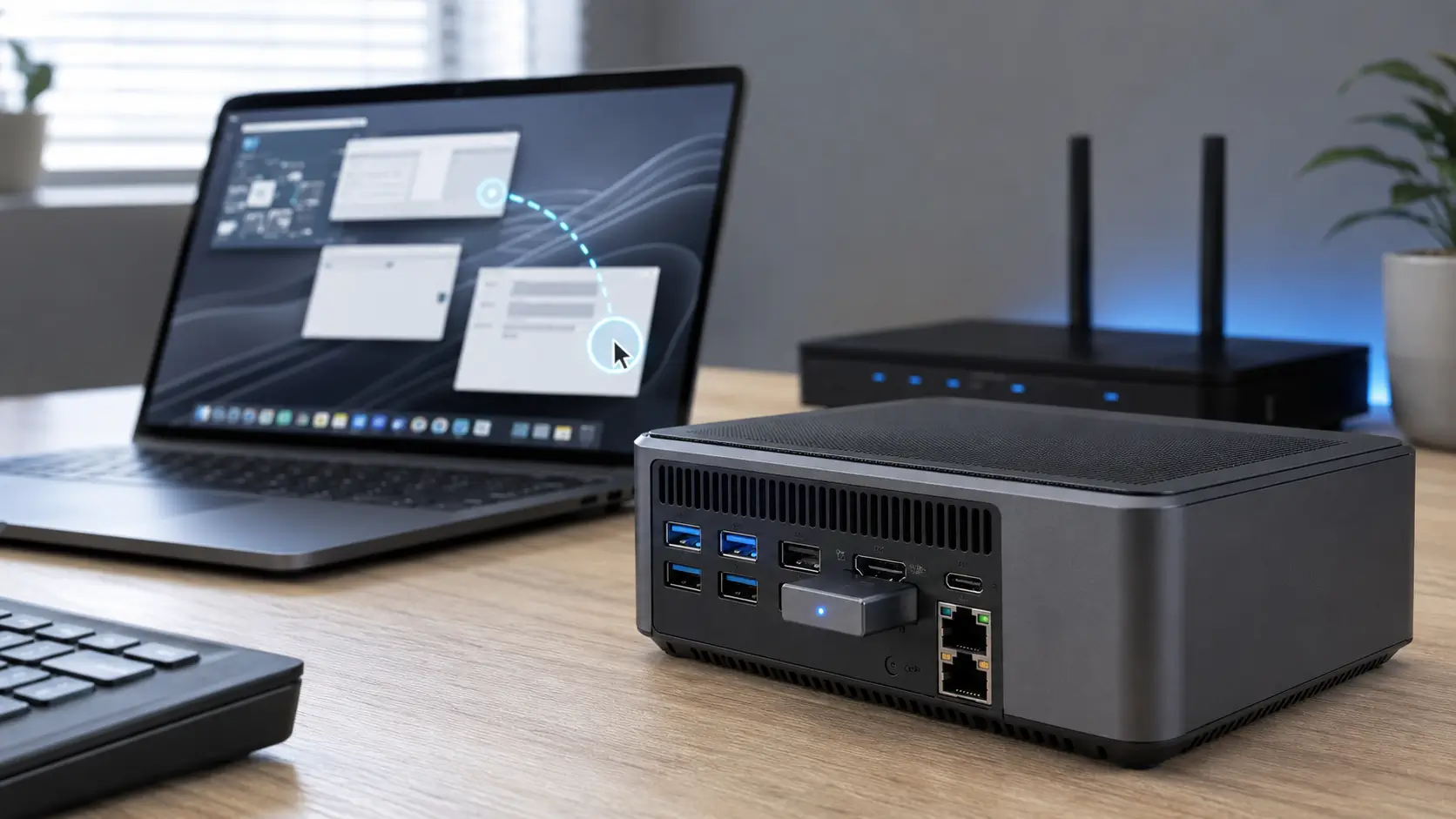
Once connected, the HDMI dummy plug appears to the computer as a monitor. The operating system can then render windows, menus and applications to the simulated display. Remote-access software or an AI agent’s capture system can retrieve that rendered desktop without requiring a powered monitor.
The adapter does not run the AI model, improve the model’s reasoning or increase the GPU’s computing power. Its purpose is narrower but important: maintaining a predictable, hardware-recognized display environment.
This distinction matters when evaluating claims about GPU acceleration. A dummy plug may allow applications to access a normal graphical desktop or keep display-dependent software active, but it does not upgrade the GPU or create additional processing capacity.
Where Else Are HDMI Dummy Plugs Used?
Display emulators were useful long before computer-use AI agents became popular. They are commonly found in headless servers, remote workstations, mini PCs, cloud-computing systems, digital-signage controllers and rendering machines.
They can also help technicians access a computer installed in another room or building without leaving a monitor connected. In multi-GPU systems, a dummy plug may keep a display output recognized for software that expects an active monitor.
AI automation expands these established applications. A compact PC or MacBook can now serve as an unattended AI workstation that performs browser-based tasks, organizes information or controls business applications through a visual interface.
HDMI Dummy Plug vs Remote Desktop Software
An HDMI dummy plug and remote desktop software perform different jobs.
Remote desktop software transmits the desktop and lets another device control the computer. A dummy plug supplies a persistent display endpoint. Depending on the remote protocol and operating-system configuration, disconnecting a session may change the active desktop, resolution, scaling or lock state. The HDMI emulator can help preserve a consistent hardware-recognized screen.
In many headless installations, the most reliable solution uses both: the dummy plug maintains the display while the remote desktop application provides access.
HDMI Dummy Plug vs Virtual Display Driver
A virtual display driver can also create a software-based monitor without occupying an HDMI port. It may offer adjustable resolutions and multiple virtual screens, making it suitable for advanced deployments.
However, software drivers require installation and may be affected by operating-system updates, driver-signing policies or corporate security restrictions. An HDMI dummy plug is generally plug-and-play and makes minimal changes to the system.
The hardware option is often preferable when simplicity, fast deployment and low maintenance are priorities. A software display driver may be better when several configurable virtual monitors are required.
Choosing an HDMI Dummy Plug for AI Workflows
Resolution should match the workload. A 1080p desktop is sufficient for many browser and office tasks, while 4K provides more space for complex dashboards and high-resolution remote access. Higher resolution also produces larger screenshots, potentially increasing bandwidth and AI vision-processing overhead.
Reliable EDID implementation is equally important. Poorly programmed adapters can cause unsupported modes, incorrect scaling or inconsistent detection. Buyers should therefore look for clearly documented resolutions and refresh rates.
Operating-system compatibility must also be considered. Windows, Linux and macOS can behave differently in headless configurations. MacBook closed-lid operation may additionally depend on power, sleep settings, hardware model and supporting software.
Recommended Solution: VCOM DU705 4K HDMI Dummy Plug
The VCOM DU705 HDMI Dummy Plug is designed for AI-agent systems, remote desktops and headless computers.
It supports a virtual display up to 4K at 60Hz and is backward compatible with 1080p at 60Hz and 120Hz. Its compact housing includes a nickel-plated HDMI connector and blue operating indicator. VCOM also provides a dedicated supporting solution for compatible MacBook closed-lid AI deployments.
These features make the DU705 a practical choice for users seeking a simple hardware alternative to installing a virtual display driver.
How to Set Up a Headless AI Computer
Insert the dummy plug into an available HDMI output, start the computer and open its display settings. Confirm that the simulated monitor has been detected, then select an appropriate resolution and scaling level.
Configure the computer so it does not automatically sleep or hibernate during unattended operation. Next, test the remote desktop connection and verify that the AI agent can capture the complete screen after disconnecting and reconnecting.
For 24/7 automation, use a restricted account or isolated virtual machine. Limit access to sensitive files and websites, and require human confirmation before purchases, deletions or other consequential actions. OpenAI similarly recommends an isolated environment and human oversight for high-impact computer-use actions. (OpenAI)
Frequently Asked Questions
Does an HDMI dummy plug improve GPU performance?
No. It maintains a recognized display endpoint but does not add GPU processing power.
Can it work without a monitor?
Yes. Simulating a connected monitor is its primary purpose.
Is 1080p enough for an AI agent?
Usually. However, 4K can provide more workspace for complex interfaces and high-resolution remote control.
Does an HDMI dummy plug require a driver?
Most models are plug-and-play because they identify themselves as a display through EDID.
Tag:HDMI dummy plug for AI agents