
USB-C cables have become ubiquitous in modern electronics, powering everything from smartphones to laptops. This guide addresses common misconceptions and answers frequently asked questions to help users make informed choices.
What is a USB-C Cable?
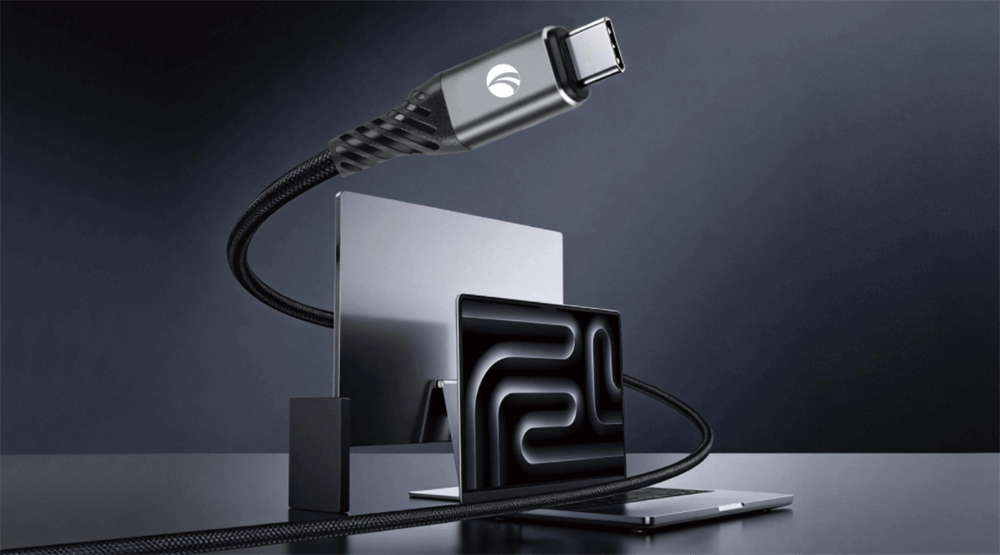
USB-C, or USB Type-C, refers to a connector standard developed by the USB Implementers Forum. It features a small, oval-shaped plug that is reversible, allowing insertion in either orientation. Unlike older USB types, USB-C supports higher power delivery, faster data transfer rates, and alternate modes for video and other protocols through a single cable.
Are All Type-C Cables the Same?
USB-C cables are not all identical. Variations occur in build quality, supported protocols, and capabilities. Some cables are designed solely for charging, while others handle data transfer at speeds up to 80 Gbps or support video output. Factors like wire gauge, internal chips (e.g., E-marker for power management), and certification levels differentiate them. For instance, a basic USB 2.0 USB-C cable offers 480 Mbps data speeds and limited power, whereas a USB4 cable can achieve 40 Gbps bidirectional transfer with 240W power delivery. Differences also extend to length, with longer cables potentially reducing performance due to signal degradation.
Do All USB-C Cables Transfer Data?
Not every USB-C cable supports data transfer. Charging-only cables lack the necessary data lines, focusing exclusively on power delivery to enable faster charging without data capabilities. In contrast, data-capable USB-C cables include protocols like USB 3.2 or USB4, offering transfer rates from 480 Mbps to 80 Gbps depending on the version. Higher-quality cables with better insulation minimize interference for reliable performance, but device compatibility plays a key role—mismatched cables may result in slower speeds or no data connection.
Do All USB-C Cables Support Video?
Video support is not universal among USB-C cables. Only those compatible with alternate modes like DisplayPort Alt Mode, Thunderbolt 3, or USB4 can transmit video signals, enabling connections to external displays at resolutions up to 8K@60Hz. Basic or charging-only cables do not include these protocols, limiting them to power and possibly data. To ensure video functionality, look for specifications mentioning DP Alt Mode or Thunderbolt certification, as these allow seamless audio-video transmission alongside power and data.
Can USB Type C Cables Charge Any Device?
USB-C cables can charge a wide range of devices, but compatibility depends on power delivery (PD) support. Cables with USB PD can deliver up to 240W, sufficient for laptops, tablets, and smartphones. However, not all cables or devices support high-wattage charging; some are limited to 60W or less. Issues like slow charging arise from insufficient power ratings or faulty connections, and bidirectional charging allows devices to share power dynamically.
What Speeds Do USB-C Cables Support?
Data transfer speeds in USB-C cables vary by USB version: USB 2.0 at 480 Mbps, USB 3.2 Gen 1 at 5 Gbps, Gen 2 at 10 Gbps, and USB4 up to 40 Gbps (or 80 Gbps in Version 2). Thunderbolt-integrated cables can match these highs while adding video and networking. Actual speeds depend on cable quality, length, and connected devices—longer cables may cap at lower rates due to signal loss.
USB Version | Max Data Speed | Power Delivery | Video Support |
USB 2.0 | 480 Mbps | Up to 60W | No |
USB 3.2 Gen 1 | 5 Gbps | Up to 100W | Possible with Alt Mode |
USB 3.2 Gen 2 | 10 Gbps | Up to 100W | Possible with Alt Mode |
USB4 | 40 Gbps | Up to 240W | Yes, via DP 2.0 |
Thunderbolt 4 | 40 Gbps | Up to 100W | Yes, 8K@60Hz |
Is USB-C the Same as Thunderbolt?
USB-C and Thunderbolt are related but distinct. Thunderbolt uses the USB-C connector but adds proprietary Intel technology for enhanced performance, including 40 Gbps data, video up to 8K, and daisy-chaining devices. Standard USB-C cables may not support Thunderbolt features unless certified. Thunderbolt cables are backward compatible with USB-C ports but offer more versatility in professional setups.
How to Choose the Right USB-C Cable?
Selecting a USB-C cable involves assessing needs for charging, data, or video. Prioritize USB-IF certified cables with logos indicating speeds and power ratings. Check for E-marker chips in high-power cables and avoid uncertified options that may overheat or fail. For video, ensure DP Alt Mode or Thunderbolt support; for data, verify USB version compatibility. Length should match usage—shorter for high speeds, longer for convenience with potential trade-offs.
Look for reliable brands to ensure safety and compatibility, as seen in brands like Anker, Ugreen, and VCOM. For video and high-speed data, opt for Thunderbolt-compatible cables from OWC or Plugable. VCOM's cables add convenience for multi-device users, with positive user feedback on Amazon for their 240W support and durability.
Are USB-C Cables Reversible?
USB-C cables feature a reversible design, eliminating the frustration of incorrect orientation common in older USB types. This symmetry stems from the 24-pin connector layout, allowing seamless plugging in either direction while maintaining full functionality for power, data, and video.
Tag:USB-C Cable,Cable


