
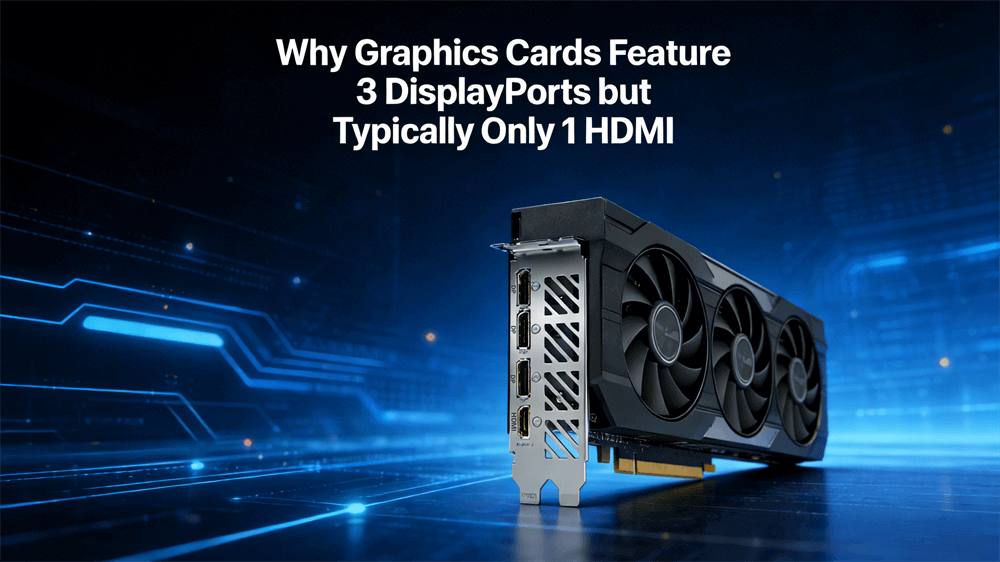
Modern graphics cards, pivotal in gaming, content creation, and professional computing, often exhibit a distinctive port layout: several DisplayPort (DP) connectors alongside a solitary HDMI port. This design choice puzzles many builders and enthusiasts, yet it stems from a blend of economic, technical, and market-driven considerations. As resolutions climb to 8K and refresh rates exceed 144Hz, understanding these factors becomes crucial for optimizing display setups.
Licensing and Cost Factors
A primary driver behind the prevalence of multiple DisplayPorts on graphics cards lies in licensing economics. HDMI, managed by HDMI Licensing Administrator, Inc., requires manufacturers to pay royalties for each implemented port. These fees, although small individually, add up significantly in high-volume production, influencing design budgets for GPUs from NVIDIA, AMD, and other manufacturers.
In contrast, DisplayPort operates as a royalty-free standard developed by the Video Electronics Standards Association (VESA). This cost advantage allows GPU makers to include more DP ports without inflating prices, freeing resources for enhancements like improved cooling or higher core counts.
Technical Advantages of DisplayPort
DisplayPort outshines HDMI in several technical arenas tailored to PC graphics demands. Newer iterations, such as DP 2.0 and 2.1, deliver superior bandwidth—up to 80 Gbps—surpassing HDMI 2.1's 48 Gbps, enabling uncompressed 8K at 60Hz or 4K at 240Hz with HDR. Multi-Stream Transport (MST) further distinguishes DP by supporting daisy-chaining, where multiple monitors connect via a single GPU port, simplifying cabling for expansive setups like triple-monitor workstations.
Adaptive sync technologies, including AMD FreeSync and NVIDIA G-Sync, integrate more fluidly with DP, minimizing latency and tearing in high-frame-rate gaming. While HDMI supports audio transmission—a feature DP matches—it lacks native MST, often necessitating adapters or splitters that can compromise performance. These attributes make DP the go-to for GPUs targeting enthusiasts pushing graphical limits.
Market Dynamics and User Preferences
The GPU market caters predominantly to PC users who favor multi-monitor configurations for productivity and immersion. High-refresh-rate monitors overwhelmingly support DP, aligning with gamers and professionals requiring seamless extended desktops. HDMI, conversely, dominates in consumer electronics like TVs and sound systems, where a single connection handles media playback.
PC builders often convert DP to HDMI for TVs via adapters, reserving the lone HDMI for occasional AV use. As of 2026, with models like the AMD RX 9060 XT featuring DP 2.1a alongside HDMI 2.1b, manufacturers continue prioritizing DP for core audiences while providing HDMI as a compatibility bridge.
Design and Hardware Constraints
GPU rear brackets face strict spatial limits, accommodating power connectors, vents, and outputs within a compact area. DisplayPort's slimmer connector allows for denser arrangements, fitting three or four ports where HDMI's bulkier design might permit fewer. Most GPUs support up to four displays, and allocating multiple DP ports maximizes this capability without exceeding hardware bounds.
Engineers optimize for efficiency, favoring DP's lower power draw and simpler integration. While some high-end cards offer dual HDMI, the standard 3:1 ratio balances versatility with form factor, ensuring compatibility across case sizes from mini-ITX to full towers.
Future Outlook
Display standards continue to advance, with DP 2.1 offering enhanced bandwidth and efficiency over HDMI 2.1, though adoption lags in monitors and GPUs. HDMI's strengths, like Ethernet support (albeit rarely utilized), cater to home theaters, but DP's open nature fosters faster innovation.
Emerging hybrids like USB-C with DP Alt Mode may reduce dedicated ports, but the multi-DP/single-HDMI paradigm persists for backward compatibility. As 8K and VR proliferate, expect GPUs to lean further on DP, with adapters bridging gaps.
Selecting the Right DP Cables for Optimal Display Performance
To achieve the best display experience with graphics cards featuring multiple DisplayPorts, selecting appropriate DP cables proves essential. Not all cables deliver equal performance; substandard ones can cause signal degradation, flickering, or limited resolutions and refresh rates. Prioritize cables that match the required DisplayPort version—such as DP 1.4 for 4K at 144Hz or DP 2.1 for uncompressed 8K at 60Hz or 4K at 240Hz—to ensure high bandwidth and reliability. Opt for shorter lengths (under 2 meters) to minimize interference, and look for features like braided shielding for durability in high-performance setups.
Reputable brands offering reliable DP cables include VCOM, known for robust options, ideal for adaptive sync gaming; UGREEN, favored for affordable yet high-quality straight DP connections; and StarTech, providing certified cables with broad compatibility. These choices help avoid common pitfalls, ensuring seamless integration with modern GPUs and monitors for optimal visuals.
Tag:HDMI,DP


